This post is also available in:
 English
  polski (Polish)
Chrono Mock – Time/Date Simulator For Windows
Chrono Mock is a 100% free time testing tool for Windows that lets you change app time without changing the system time. Like the tool? Consider Donation
Want to test your app in “x” year or at “y” time? No problem, Chrono Mock can do it all,You can also control the time speed + there is built-in QA Date calculator, full GUI + CLI
Any moment, absolute or relative – a specific date and time, or +30 days, -1 year.
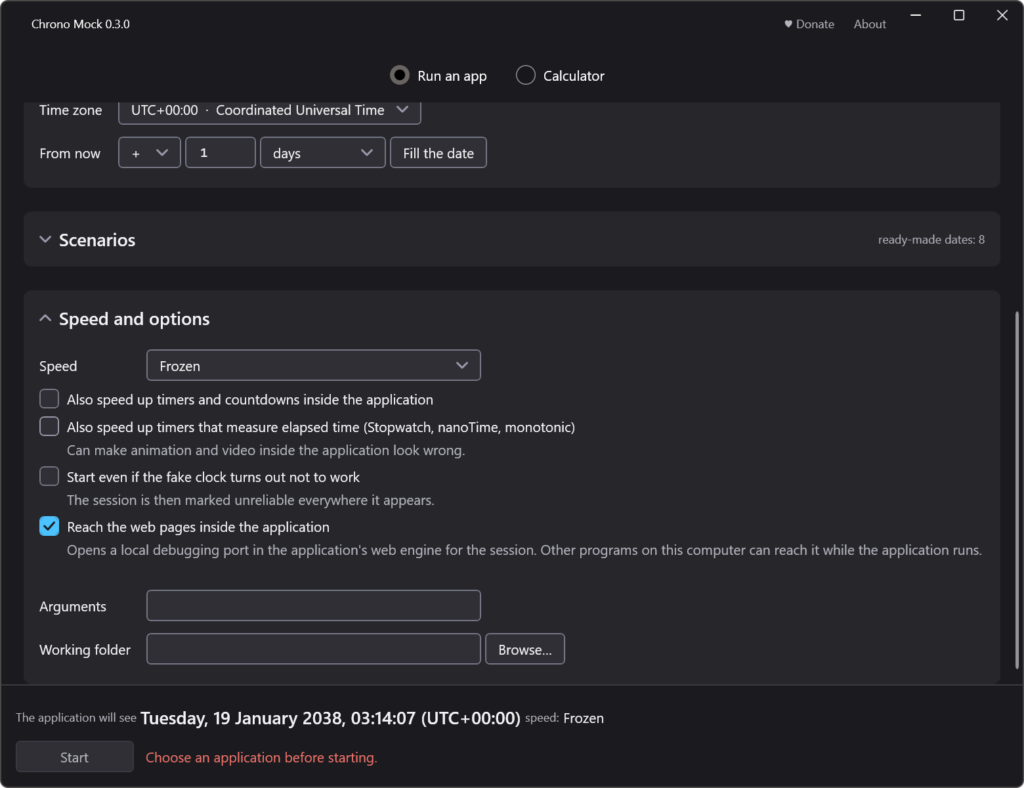
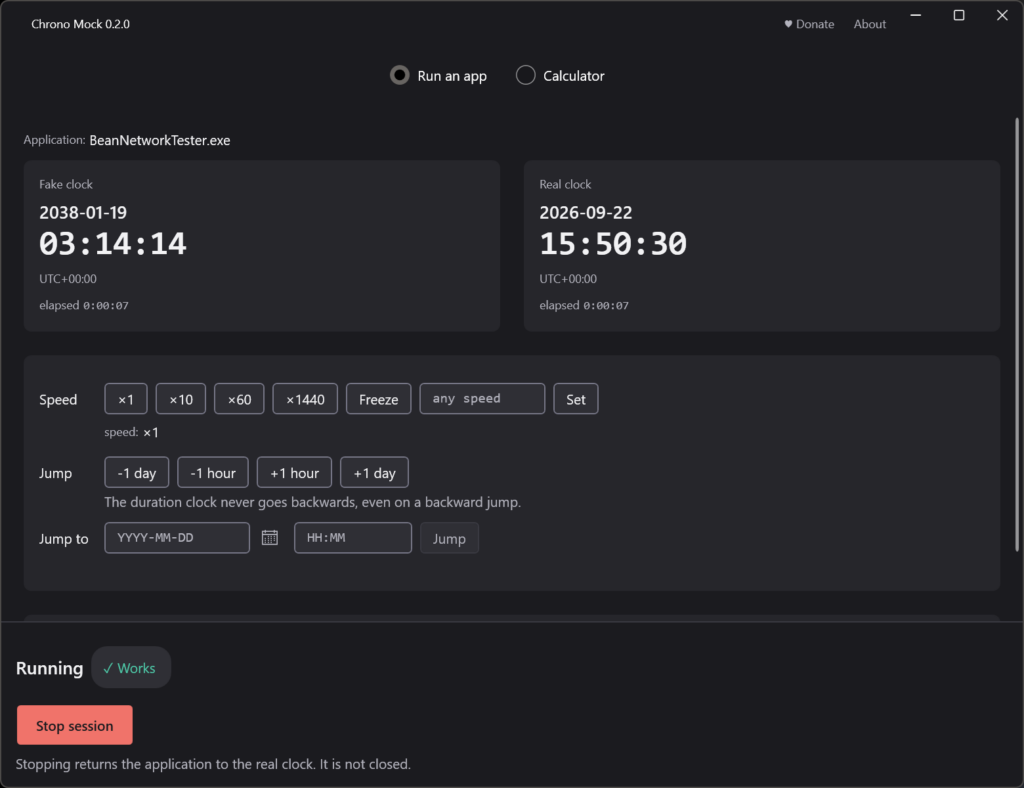
Flowing, frozen, or accelerated – run from the shifted point at normal speed, hold the clock still, or multiply it by any whole number up to a million (x1440 turns a day into a minute).
Jump mid-session – forward or backward, including the backward jump a laptop makes after resyncing with a time server, which breaks anything measuring elapsed time without a guard.
Its own time zone – a fixed offset for that process only, while the system zone stays put.
Child processes come along – installers and launchers spawn children, and without that the test covers only half of what ran. A launcher or a script that starts the application and ends does not end the session: it lasts until the last program on the session clock closes.
Tells you if it worked – a verdict, the channels covered with call counts, the channels missed, and warnings with consequences. See below – this is the part no other tool does.
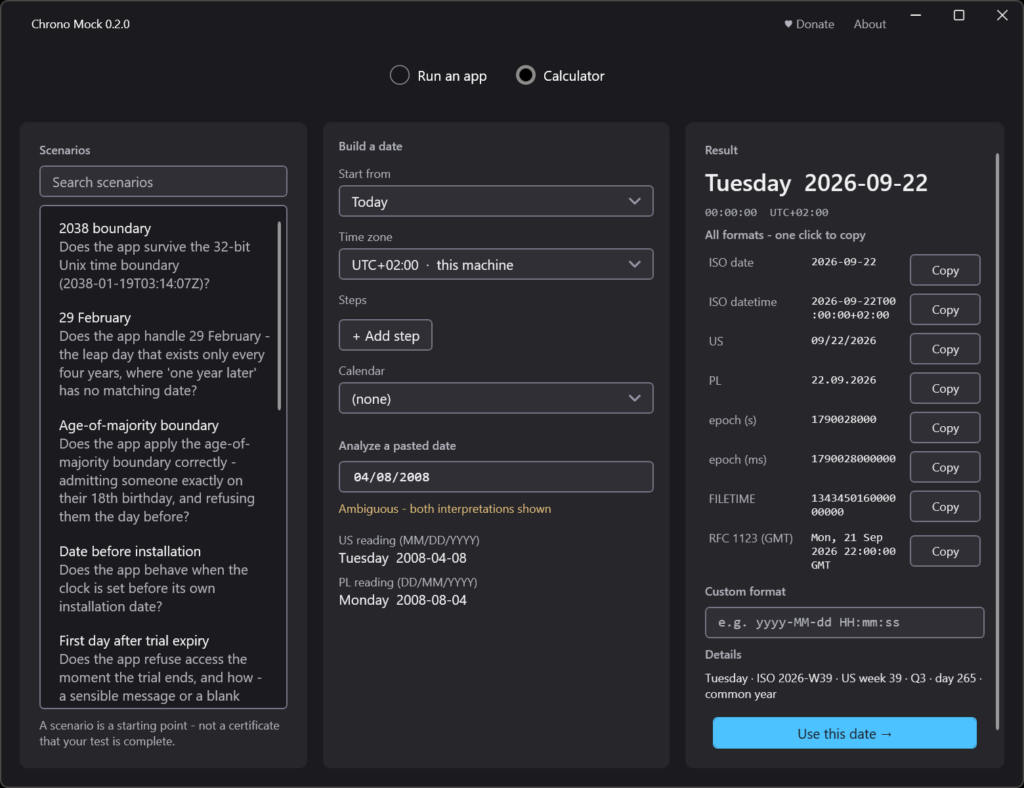
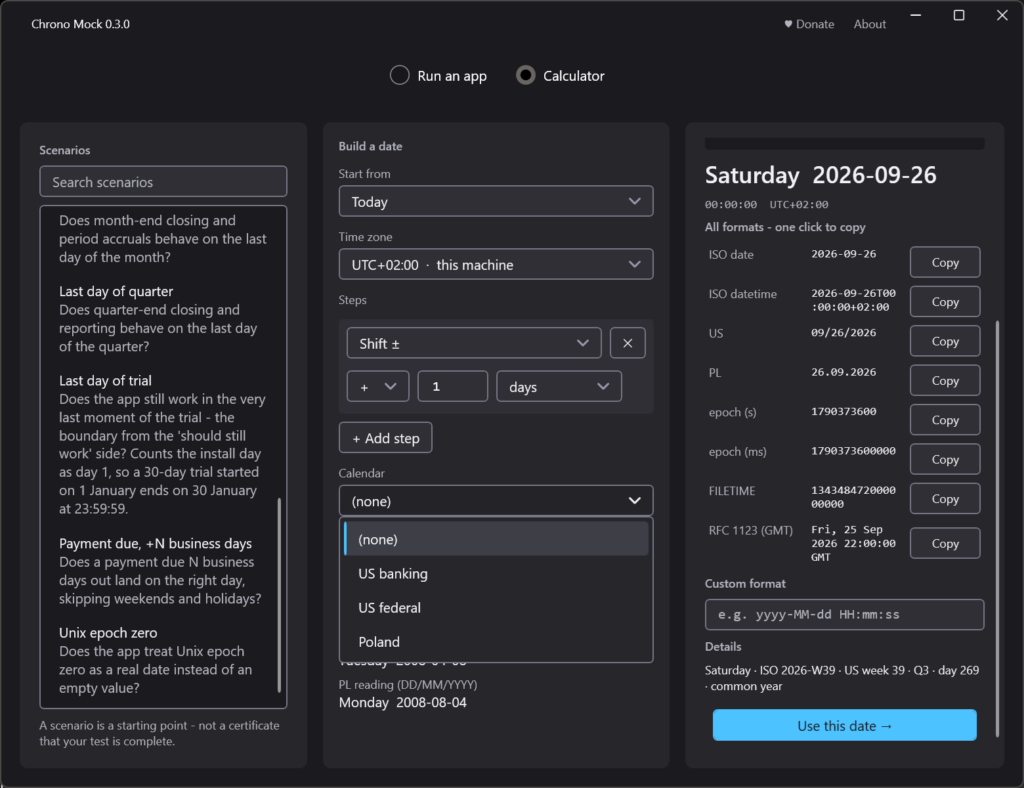
A date calculator built for QA – month-end, quarter close, the 2038 boundary, “the first day after a 14-day trial”, business days and holidays, every format at once.
Electron and Chromium apps too – through a different mechanism, because their clock lives in a sandboxed renderer where injection does not reach.
The web pages inside an ordinary application too – an application with a built-in web engine (WebView2, Qt WebEngine) runs its pages in a process the hook cannot enter. The session asks the engine to open a local debugging port and puts those pages on the same clock as the rest of the application, through it. On by default, off with one switch.
A window and a command line – the same engine behind both, exit codes for CI.
Portable – no installer, no administrator rights, runs from a USB stick