This post is also available in:
 English
  polski (Polish)
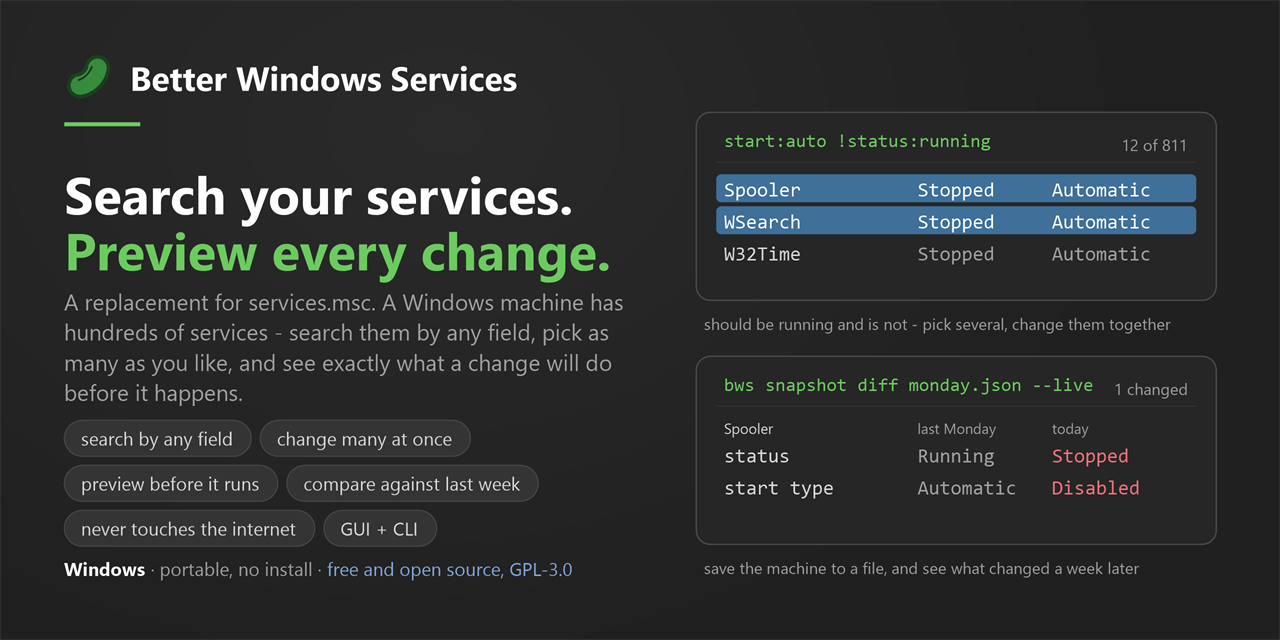
Services.msc are pretty old and they are missing a tons of the information about services, there are no mass actions, no easy force restart/kill. But we can use Better Windows Services if you like the tool, please give it a star 🙂 The tool is GUI/CLI
Mass stop/start and more in Windows Services
If we will run the app (with admin rights) we can select multiple services, and do mass actions with them, but watch out, for stopping services which are dependent on others:

The app will show your the plan of your action:

tip: if you would stop a service which would crash you system, the app will warn you about it.
Services.msc with query language
At the search bar, we can use the query language, in my case i had chosen automatic start up + in the search bar I had written memory:>50MB. But there is tons of data + information, here you can see the query language

Stop a Windows service stuck at stopping
We can stop the hanging service from the cmd, or in Better Windows Services if we right click the service, there is option for “force stop”:

Because in Windows services there is no thing like “force restart” or “force stop” there is only one way, kill the process:

There are tons more options, and more will come, all things done from the GUI, can be done in the CLI, oh, and there is also snapshoot feature, we can export the services list or see services with missing files and tons of other things.